




Looking for a Shorter Overview?
AI Summary
Key Moments
Skärm- och arbetsplatsutrustning
Budgetvänliga och högkvalitativa skärmar samt ergonomiska stativ förbättrar din arbetsplats.Snabbladdningsteknik
Apple-stödjer snabbladdning upp till 140W med rekommenderade laddare och kablar för optimal prestanda.Hubbar och portar för utbyggnad
USB-C och Thunderbolt-hubbar ökar antalet anslutningsmöjligheter och stödjer nya Thunderbolt 5.Ethernet för pålitlig nätverksanslutning
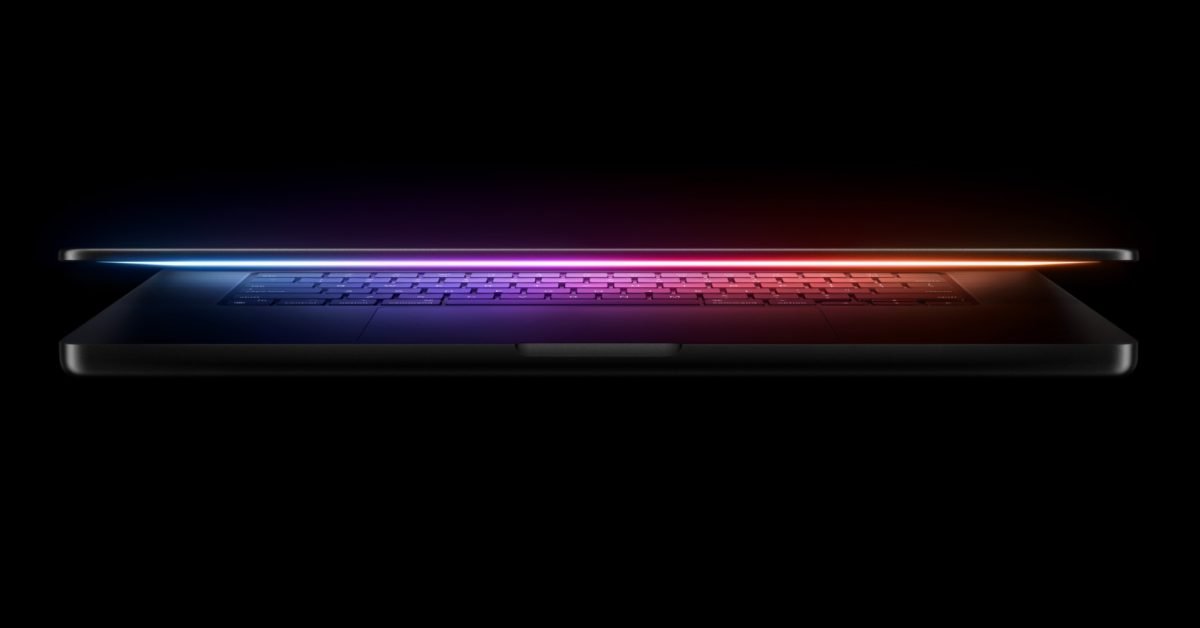
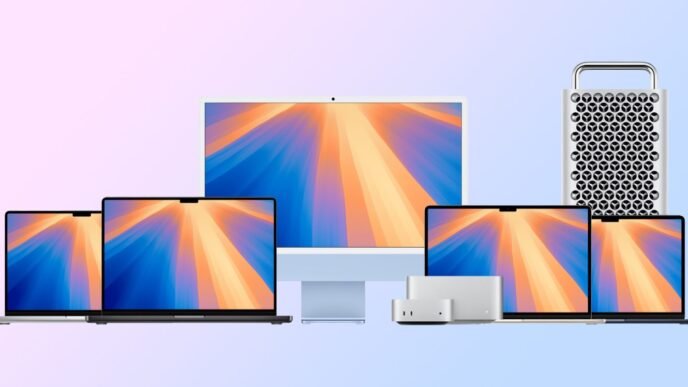
Gigabit och 10 Gb Ethernet-stöd ger snabb och stabil internetuppkoppling med kvalitetskablar.The first M4 Macs – new MacBook Pro , Mac mini and iMac – offer compelling upgrades. Whether you've bought a new M4 model, or even if you're sticking with your current hardware, these are the best accessories to upgrade your Mac experience.
Desktop and on-the-go stuff
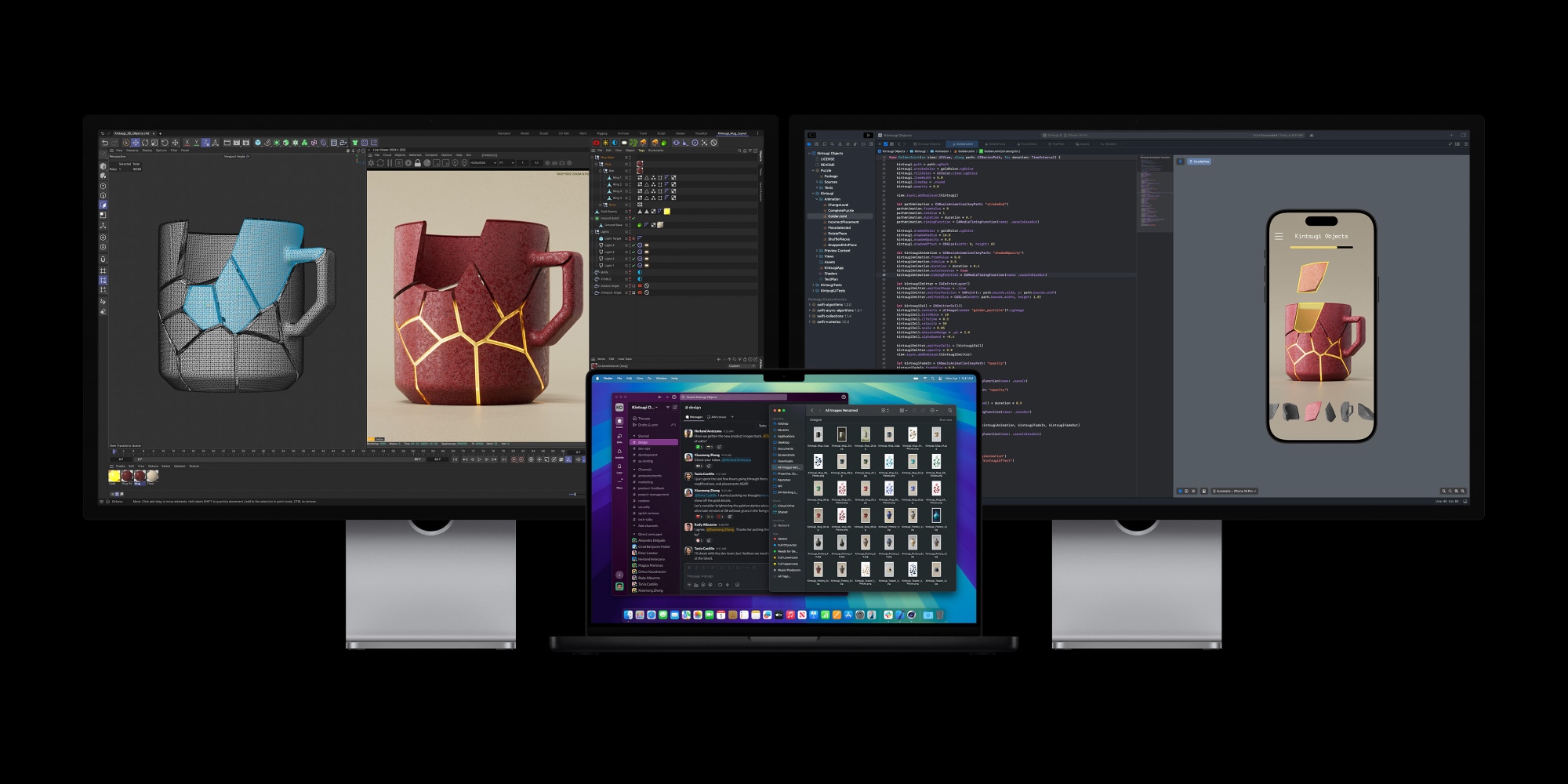
If you need a new monitor, my budget-friendly recommendation is Samsung ViewFinity S8 . It's a 4K monitor with a host of useful features built in and comes in 27-inch and 32-inch sizes.
For a greater waste Is the Apple Studio Display hard to beat? . Its 5K Retina display is gorgeous, but it comes with a higher cost. 



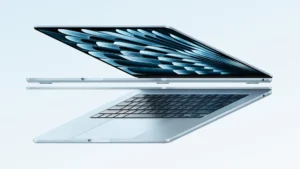

When you use your MacBook Pro at a desk I recommend this Twelve South aluminum stand , which raises the screen for improved ergonomics. Twelve South also makes a similar riser for iMac , and if cost is not an issue, supports their HiRise Pro several different height levels and a nice cover.
Finally, when you take your MacBook Pro with you on the go, is this set of protective sleeves from tomtoc my recommended option.
Fast charging your MacBook Pro or other device
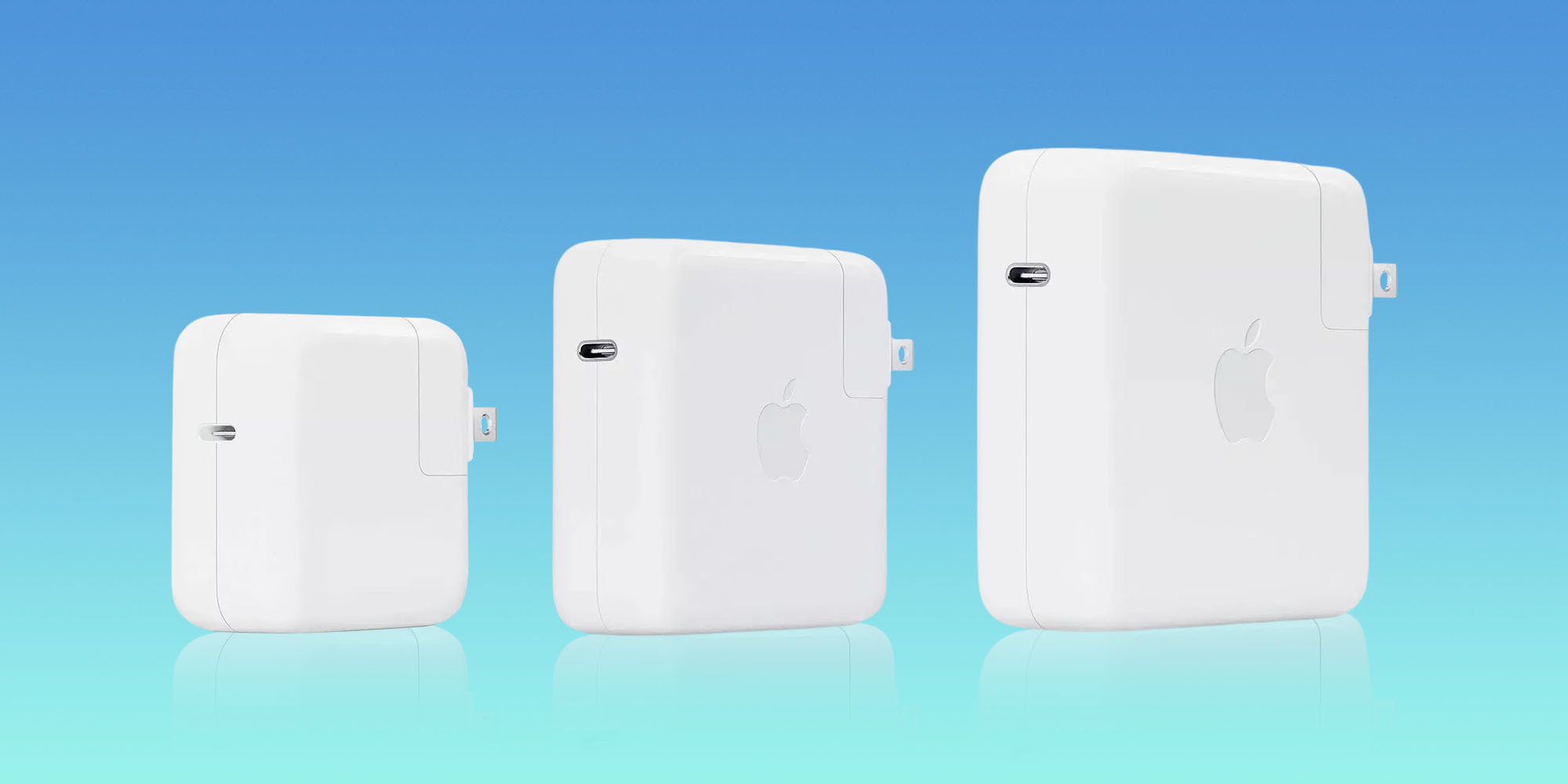
Apple's modern laptops support fast charging with up to 140W power banks. This includes the new M4 MacBook Pro, plus previous MacBook Air and Pro models dating back to 2021.
To maximize your fast charging speeds will this 140W USB-C brick to do the trick. Or if you want to save some money without sacrificing much speed, you can alternatively take this 100W USB-C brick from Anchor for less than half the cost.
You also want to make sure your charging cable can handle the high speeds. This 6-foot Anker USB-C cable supports up to 240W and provides the extra range you'll appreciate. There's even a 2-pack available for almost the same price, which is nice because USB-C now charges iPhones, iPads, and even the new Magic Keyboard and Magic Trackpad .
Thunderbolt and USB-C hubs and cables
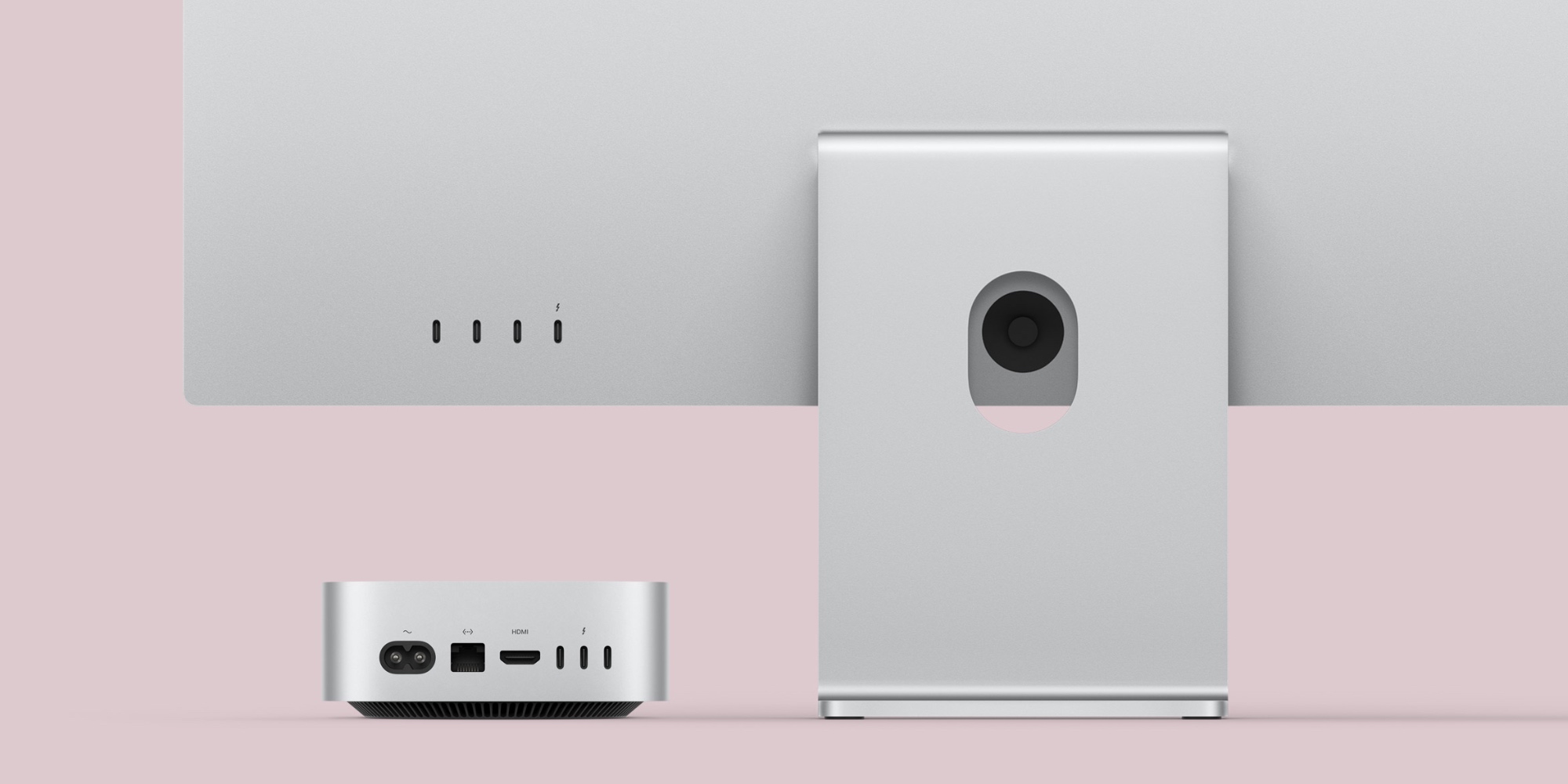
No matter which new Mac you've chosen, you can expand the range of port options available with a USB-C or Thunderbolt hub.
This Anker USB-C 8-in-1 hub provides ports for USB-C and USB-A, HDMI, Ethernet, SD cards and more.
For the added power and versatility of Thunderbolt, you can download this MOKiN Thunderbolt 4 dock that supports multiple high-resolution monitors, plus provides SD and microSD, Ethernet, a headphone jack, and more.
M4 Mac introduces Thunderbolt 5 support for the first time. Apple sells its own cable option, but it costs whole . If you don't want to spend that much on a single cable, you can buy this Cable Matters Thunderbolt 5 cable for less than half the price.
If Thunderbolt 4 is all you need This provides 2-pack of Thunderbolt 4 cables from Maxonar great value at a low price. Finally you can take a 2-pack of USB-C cables here .
Ethernet connection for reliable and fast internet
M4 Mac mini comes standard with Gigabit Ethernet, with the option to upgrade to 10Gb. Some M4 iMac models also have built-in Ethernet. Take one of those braided, flat Ethernet cables from Orbram. They support ultra-fast speeds and come in a variety of sizes.










 Swedish
  Danish
  Norwegian
  Finnish
  English
  German
  Dutch
Dutch