



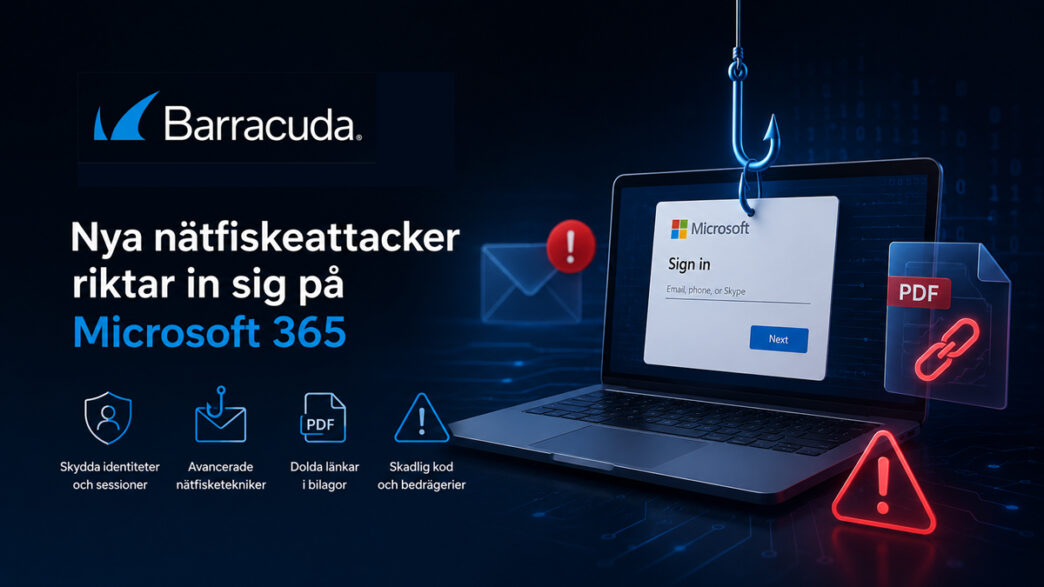
Attackers are using real Microsoft logins, hiding phishing links in PDF attachments, and using various methods to bypass security controls in email environments, according to Barracuda Networks’ latest Email Threat Radar report, which details several recent attacks targeting organizations and their employees.
One of the attacks described involves attackers using Tycoon 2FA, a phishing platform as a service, and a legitimate Microsoft sign-in page instead of a fake one. The goal is to get the user to sign in and thereby capture session tokens and credentials, which can provide access to email, files, and Microsoft 365 services.
The attack begins with an email warning that the inbox is about to fill up. The message contains a calendar invitation to a purported meeting with Microsoft's security team and a button to release held emails.



The button leads to a Microsoft login that is genuine, but accessed via the attackers’ own registered application in the Tycoon 2FA platform. When the user logs in, the session ID is captured. In the next step, the user is prompted to enter their credentials on a fake page, which also allows the attackers to access the password.
Links are hidden in PDF attachments
The report also describes attacks where suspicious links have been moved from the email body to a PDF attachment.
The campaign analyzed asks the recipient to open an attachment related to, for example, regulatory compliance or payments. The link in the document leads to an authentication process that resembles a legitimate login and collects user credentials and email address.
In these cases, device codes are generated locally in the browser instead of using real Microsoft APIs. This mimics the process used to associate devices with Microsoft accounts. The scam also uses CAPTCHAs and phishing pages that expire after a certain period of time.
Button with two different outcomes in the same email
Another attack uses a so-called ”split-click” technique, where the same button has different functions depending on where the user clicks.
In the observed case, clicking on the upper part of the button leads to a legitimate Microsoft page, while the lower part leads to a phishing page via a so-called blob URL generated in the browser.
Phishing is also used to spread malware
According to the report, phishing is in some cases also used to deliver malicious code, in addition to collecting login details.
Among the examples highlighted are:
- files that appear to be harmless PDF documents but actually contain JavaScript, where the script hides its malicious code in the fake document using steganography and code obfuscation techniques
- Campaigns where attackers impersonate a government agency and distribute scripts that download additional code and execute it in memory using Windows components
- Multi-step attacks where the user is led through multiple pages, for example from an HTML file to a fake OneDrive and then to a login page
Recommendations from Barracuda
The report highlights Barracuda the following measures:
- protect identities and session IDs, not just passwords
- expand threat detection capabilities to include calendar invitations, attachments, and login flows
- use behavior-based detection
- invest in protection for attachments and clients
- enables rapid incident response
- update training courses to reflect current phishing methods
The report is based on analyses from Barracuda Research.







 Swedish
 Danish
 Norwegian
 Finnish
 English
 German
 Dutch
Dutch