


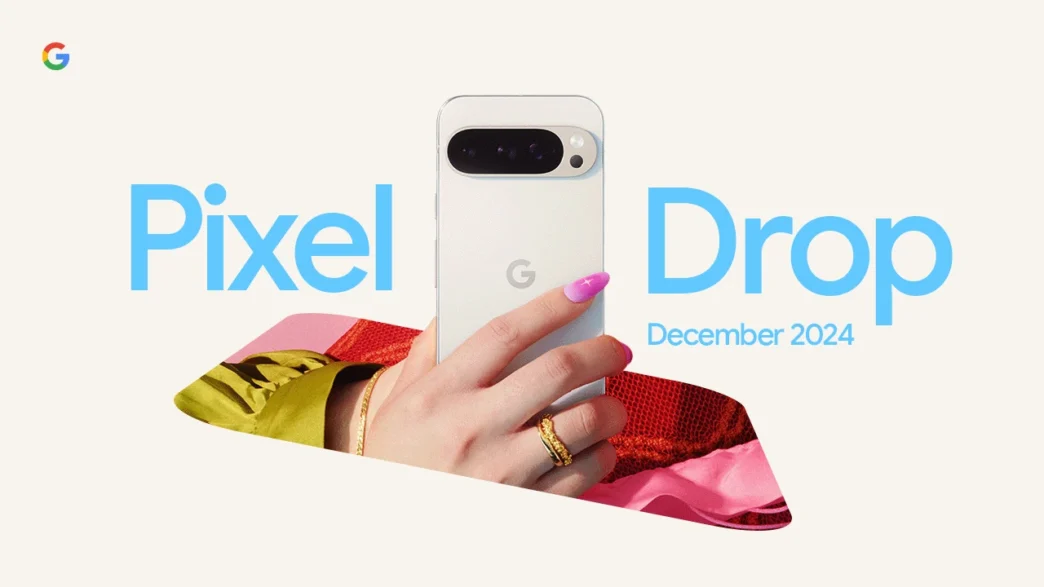
The latest update for Pixel devices, Android 15 QPR1, is now rolling out, although it doesn't seem to be available to everyone yet. Although users can try to force the update by repeatedly pressing the search button, many are still having to wait. At the same time, Google has launched a so-called Pixel Drop, which includes a host of new features and updates for apps and services, some of which aren't even developed by Google themselves.
What does the update offer?
There's a lot of new stuff coming with Android 15 QPR1, so much so that it's easiest to summarize it in a bulleted list. We've chosen to skip features that aren't available in Europe or Sweden. Some of this news we've already heard about before, and as usual, not all features will be rolled out at once.
Here are the biggest news:
- Gemini Advanced: Users of this AI-based service can now save information about themselves to get more personalized and relevant responses from the chatbot. Read more about Gemini Advanced here.
- Gemini extensions: Google mentions the new additions to Gemini, which we discussed earlier. Among these are integration with tools like WhatsApp and Spotify. Read more about Gemini extensions here.
- Ultra HDR support for Instagram: Now you can share Ultra HDR images directly on Instagram, which provides better image quality for Pixel phone users. Instagram has also updated its image management features.
- Android's new image picker: Snapchat now supports the new image picker in Android, making it easier to select and share images directly from other apps. Snapchat has long been a popular photo sharing app.
- Previewing portrait images on foldables: When taking portrait photos with Google's foldables (e.g. Pixel Fold), both the subject and the photographer get a preview of the image directly on the screen.
- Pixel Studio images in Gboard: Images created in Pixel Studio on the Pixel 9 series can now be easily inserted into Gboard, making it easier to share them across chat apps and social media.
- The Emoji Kitchen in Gboard: The popular emoji combining feature has received improved navigation, making it even more user-friendly. Gboard features.
- Pixel Screenshots: Screenshots are now automatically categorized, and users can also save screenshots directly to Pixel Screenshots using “Circle to Search.” Another new feature allows you to add tickets or credit cards to Google Wallet. Google Wallet.
- Expressive Captions: A new feature that automatically adds CC-style descriptions of sounds and events (e.g. [whispers], [applause], [cheers]), making movies and videos more accessible to all users.
- Google Recorder - Clear Voice: Google Recorder is getting a new feature that makes voices clearer by filtering out background noise. Read more about Google Recorder here.
- Pixel Tablet Quick Settings: Pixel Tablet now gets a feature that lets users swipe right on the lock screen to open quick settings and smart home controls.
- Google's VPN on Pixel Tablet: Pixel Tablet users now get access to Google's VPN, a feature that was previously exclusive to Pixel phones. Google VPN.
- Android Quick Share - QR Code: A new feature for Android Quick Share enables file sharing by displaying a QR code that others can scan to receive the files.
- Improved scanning in Google Drive: Google Drive now automatically enhances scanned documents, receipts, and IDs for better quality. Google Drive.
More new features
- Simple View mode: Pixel phones are getting a new mode called Simple View, which is designed to make it easier to navigate the device. The mode increases font size and touch sensitivity, among other things. Google hasn't specified exactly how to enable this feature.
- Music identification: Google's feature for identifying music in the background has now been given a update which shows album art for each song in the history.
- Identity Check: A new security feature that makes the phone require biometric authentication when someone tries to change sensitive settings in a new location, to prevent unauthorized access. Learn more about Google security here.
- Gboard Clearflow: An improved version of the swipe script in Gboard, which is called Clearflow, should make typing easier and faster. This isn't available to everyone yet, but it looks like it'll be a useful feature.
Summary
Android 15 QPR1 offers a variety of exciting news, from AI features in Gemini to improved sharing, security, and accessibility tools. As usual, not all features will be rolled out at the same time, but it's still an update that many Pixel users will be looking forward to. If you want to install the update, you can download it now via Settings if it hasn't already rolled out to your device.






 Swedish
 Danish
 Norwegian
 Finnish
 English
 German
 Dutch
Dutch